Find a client
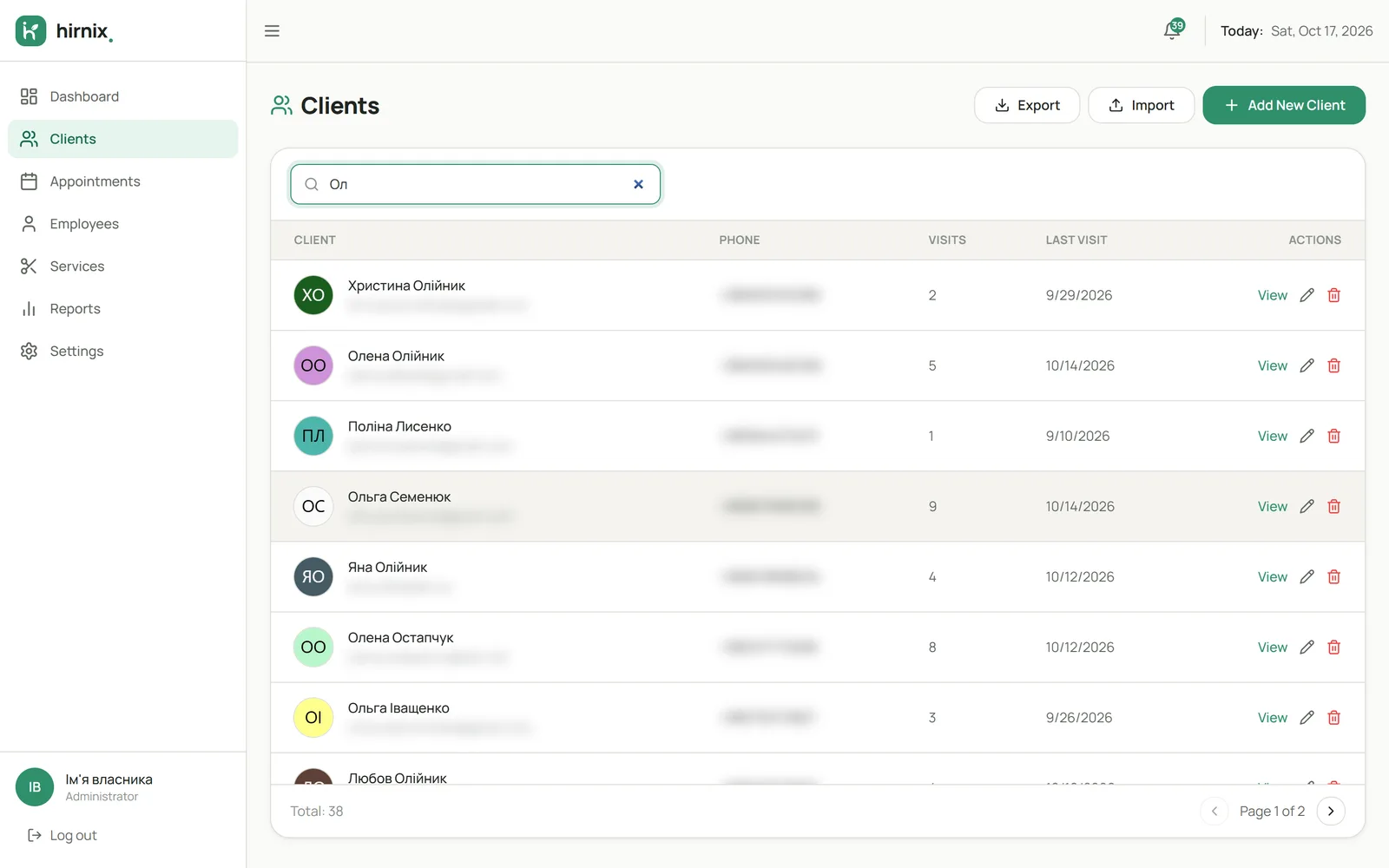
Start typing a name or phone number in search and the list narrows down. No more scrolling through chats to find a number.
- Search the client list
- Contacts next to the name
- Number of visits and the last one
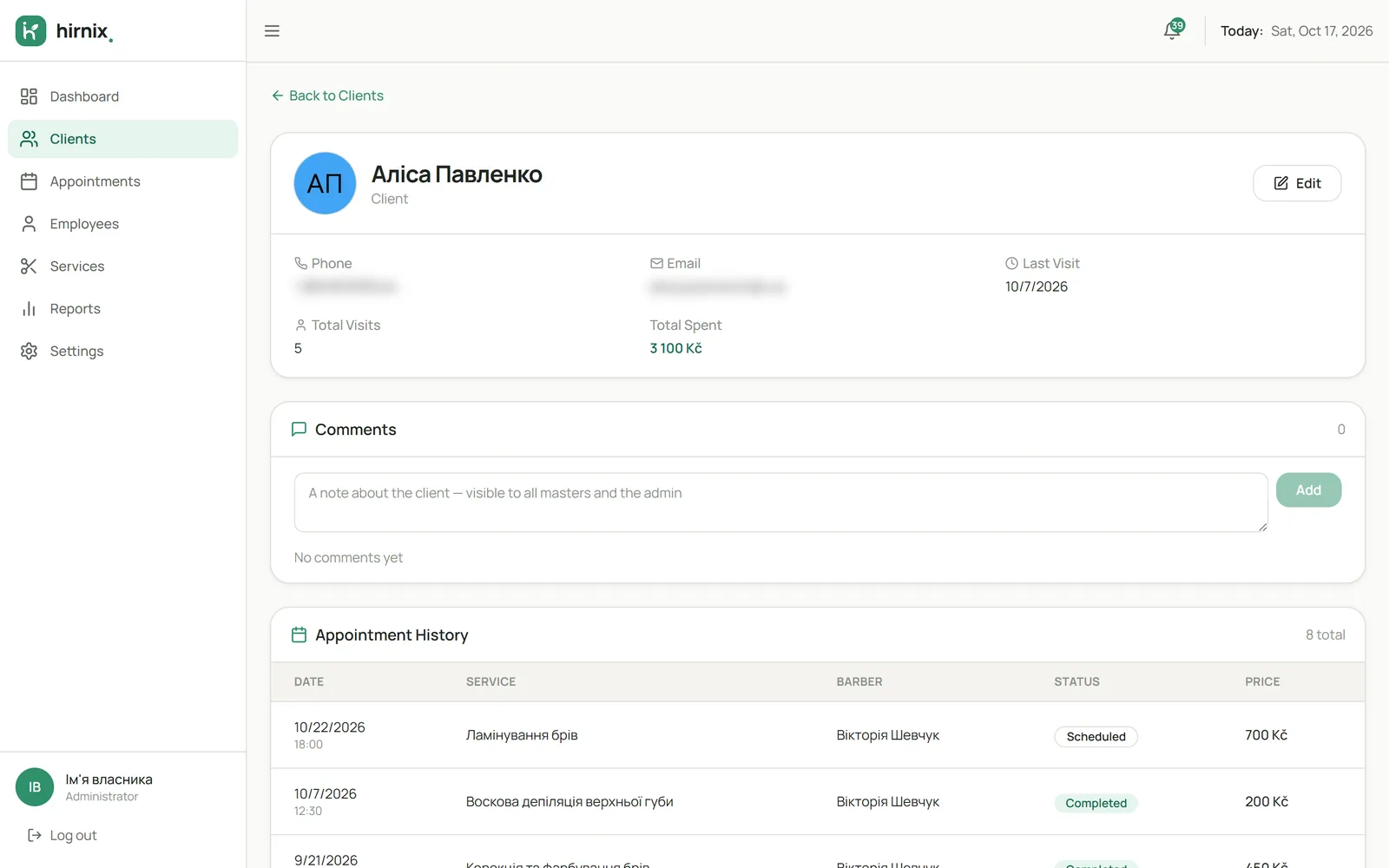
Find contact details and review a client’s history before their next visit.

When contacts are scattered across Instagram, messengers and notes, it’s hard to remember who came, when and for which service. In Hirnix every client has one card, and visits from the calendar build up their history automatically.
Start typing a name or phone number in search and the list narrows down. No more scrolling through chats to find a number.
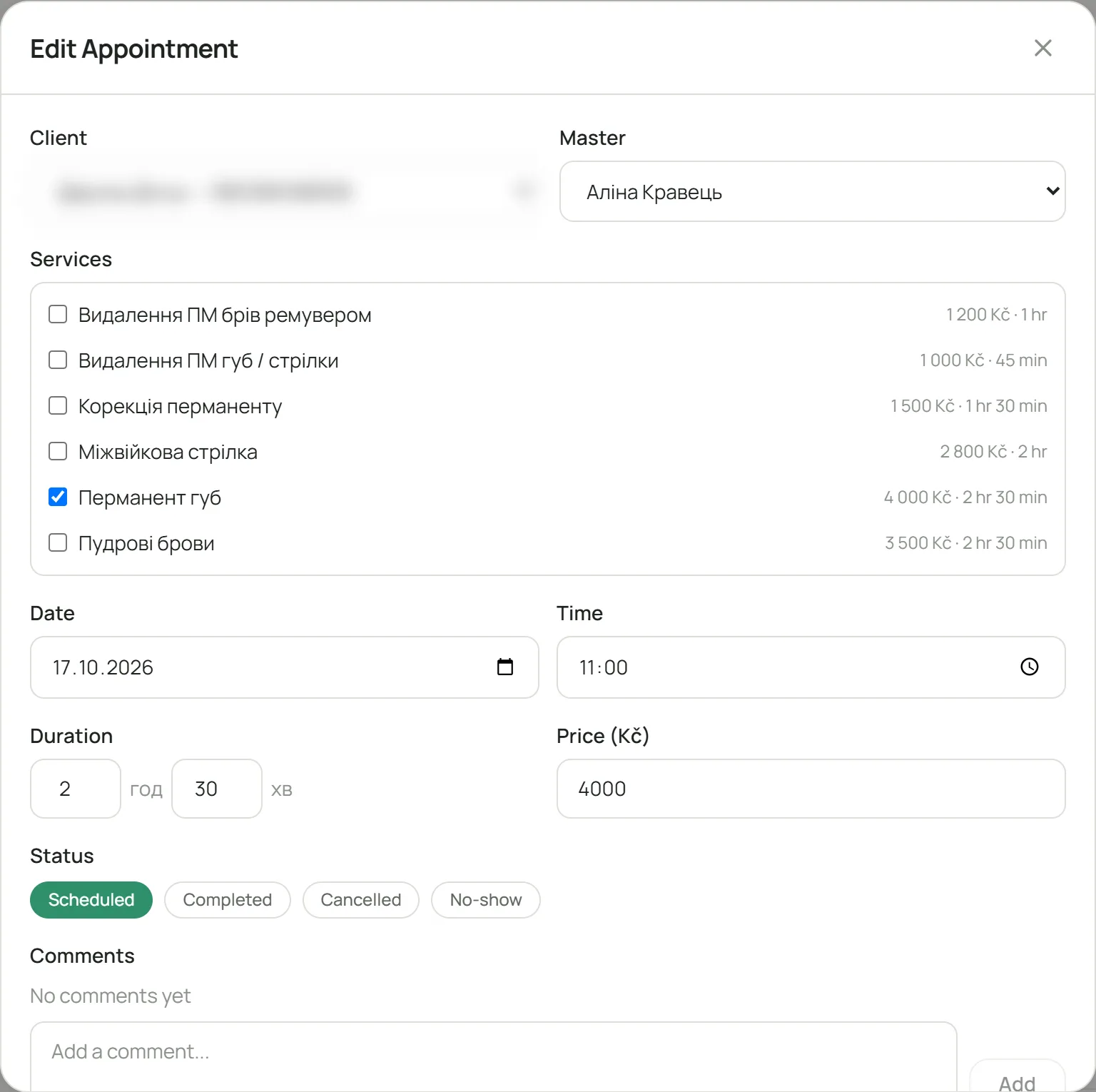
Open the card before the appointment: contact details, past visits with services and upcoming bookings — all in one place.

The history builds itself: once a visit is marked as done in the calendar, it appears on the client card. You see how often the person came and which services they chose.

Every booking in the calendar is linked to a client card — from a visit you can open the person’s history.
How the schedule worksWhen a client books through your link, their contact details go into the base.
About online bookingClients’ completed visits feed the figures in your period reports.
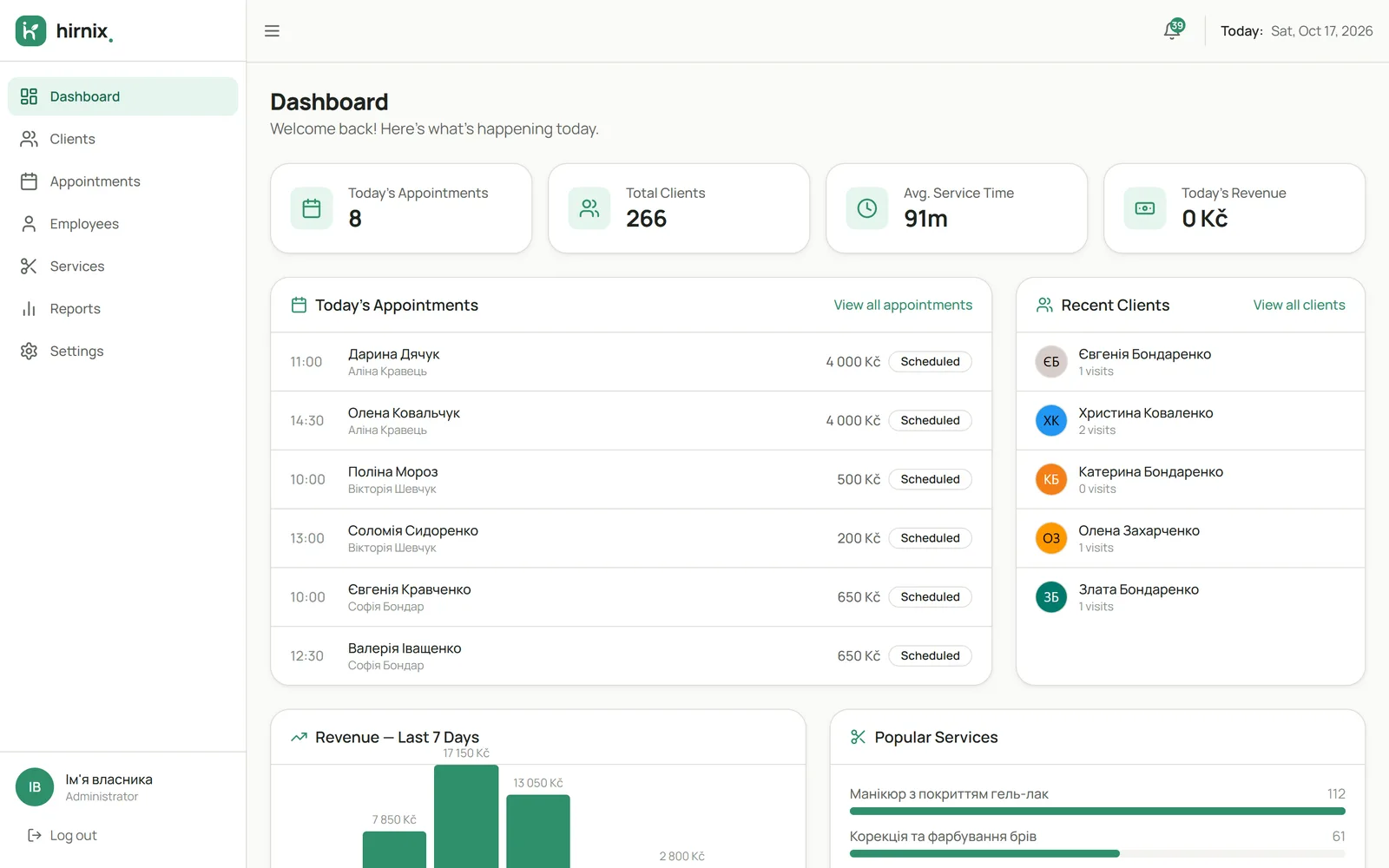
What the reports showRecent clients and today’s bookings are gathered on the main screen of your account. Screenshot of the current Hirnix version with training data.

You can add a card manually in the “Clients” section. A card is also created when you make a booking for a new client.
Yes, contact details are edited on the client card. The visit history is kept.
On the client card: it brings together past visits with services and upcoming bookings from the calendar.
Tell us where you keep your clients today — a spreadsheet, another app or a notebook. When we discuss onboarding, we’ll explain how to move the data in your case.
Tell us how you keep track of clients today — we’ll show Hirnix for your way of working.