01 / 05
Bookings & schedule
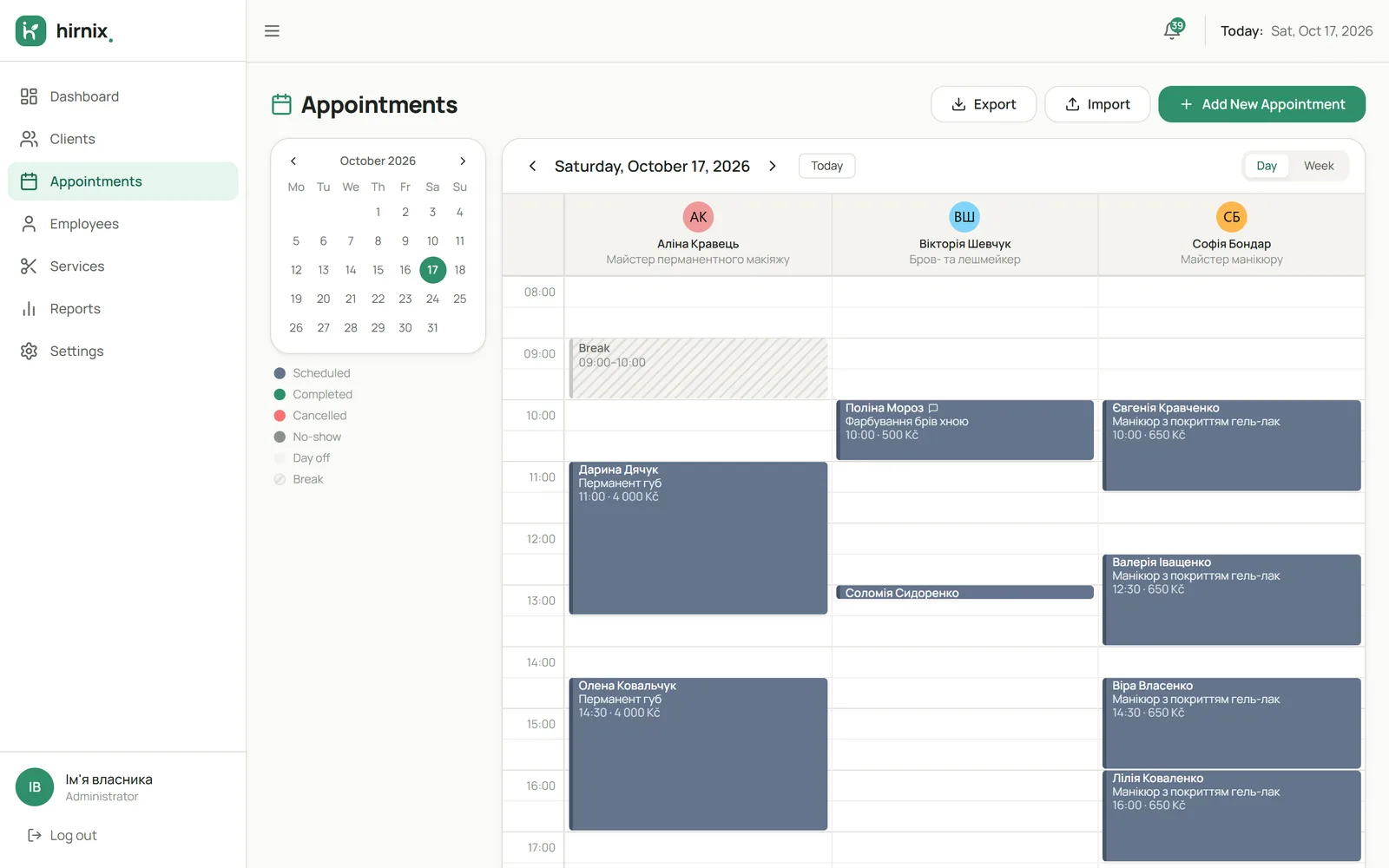
A day calendar with a column for each specialist. Open a booking to see services, time, price, duration and comments.
How the schedule works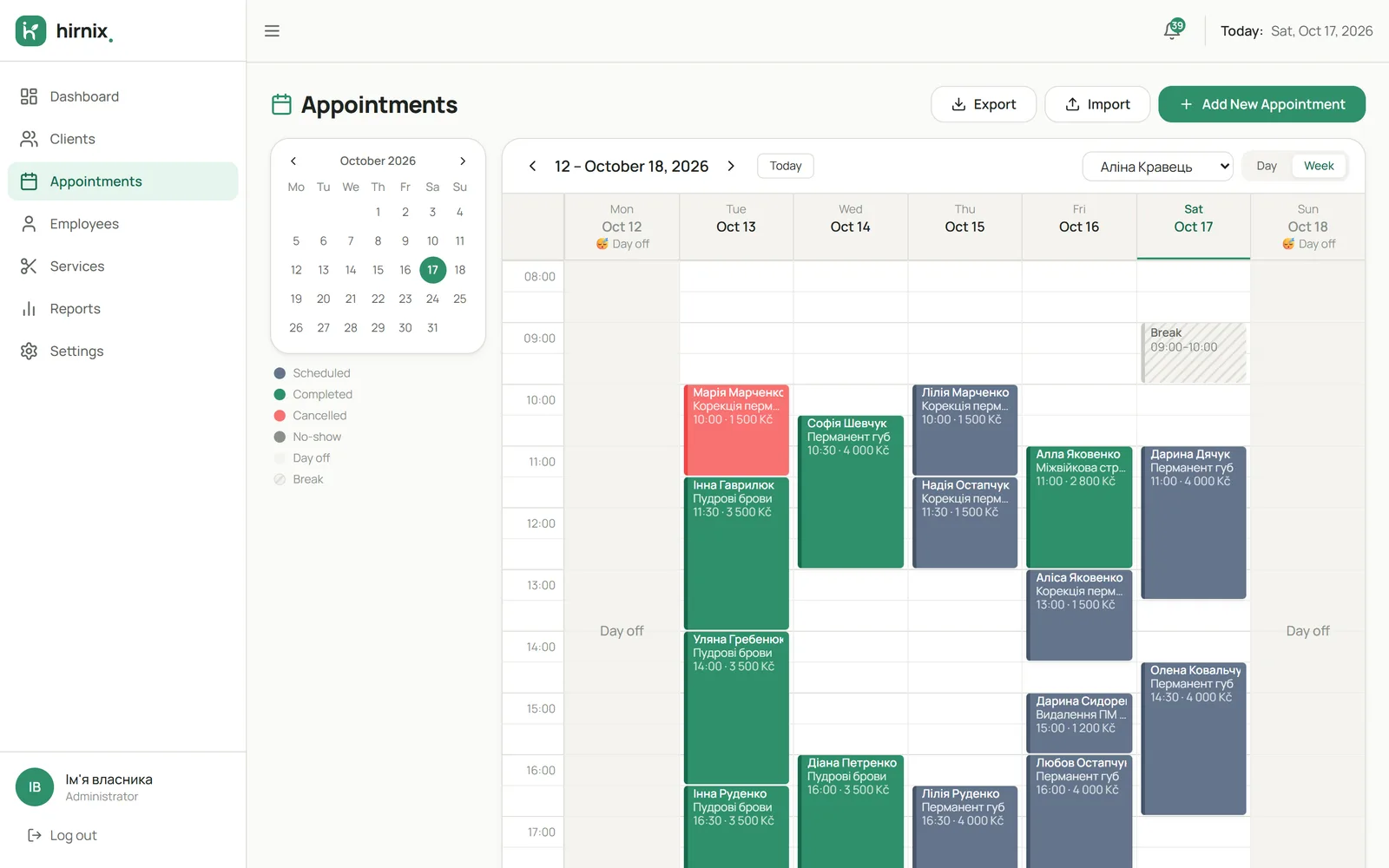
Keep your client base, organise your schedule, set up services and your team, and see your results. Hirnix takes care of the daily routine, and your clients can book online in the language that suits them.
Demo data
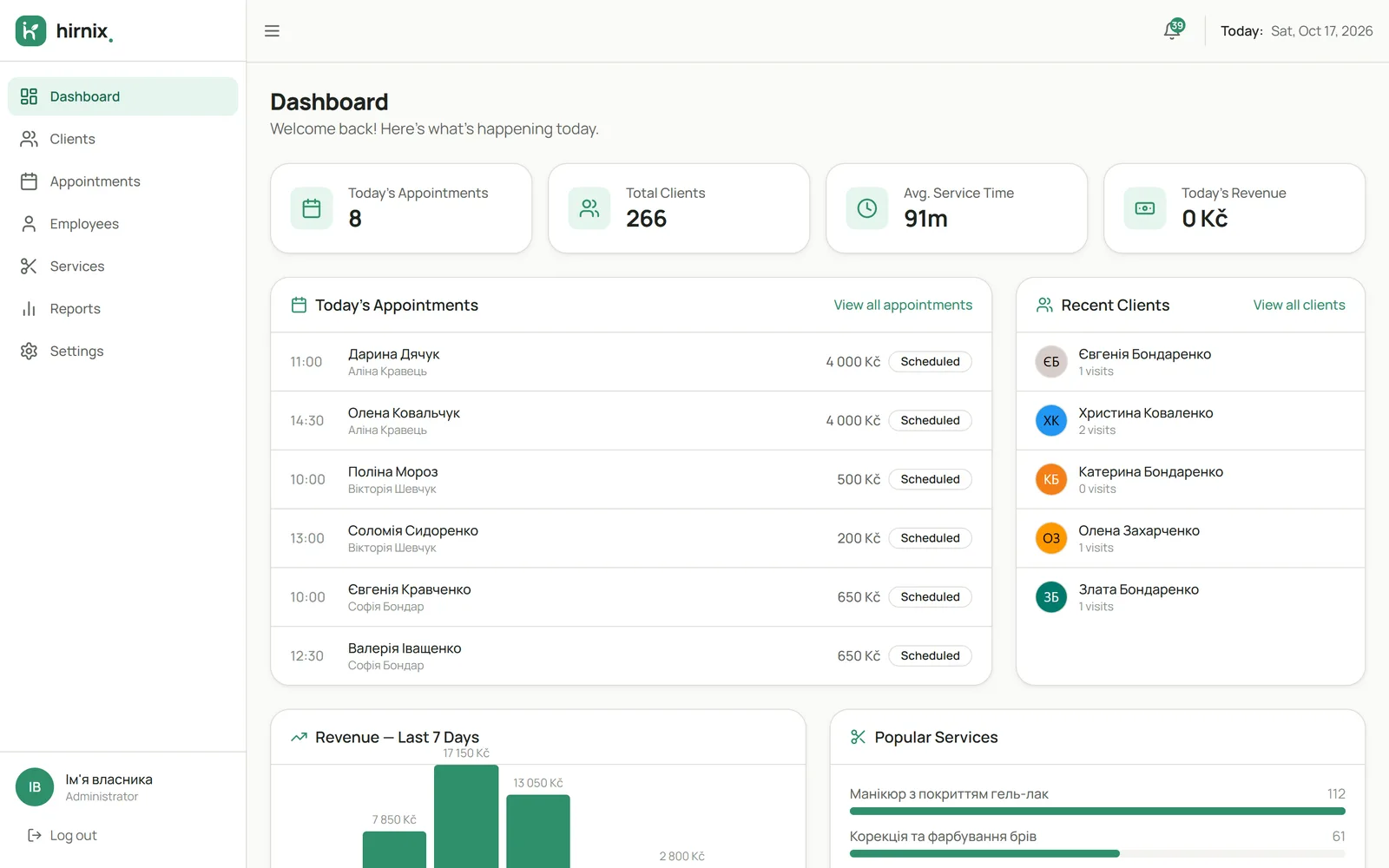
How the modules connect: from the morning schedule to the results for the period. The example uses training data.
Pick a date and see every booking in your specialists’ columns.
How the schedule worksAdd a visit by hand or receive a booking a client made online through your link.
About online bookingOpen the contact details and past visits so you remember what you did last time.
About the client baseMark the visit as done, cancelled or no-show — so the client’s history stays accurate.
Booking statusesSee which services were done most often and how your specialists worked in the chosen period.
What the reports showEach one has its own page with real screens and answers to common questions.
A day calendar with a column for each specialist. Open a booking to see services, time, price, duration and comments.
How the schedule worksClient search, contact details, past and upcoming visits, and the number of visits on each card.
Explore the client base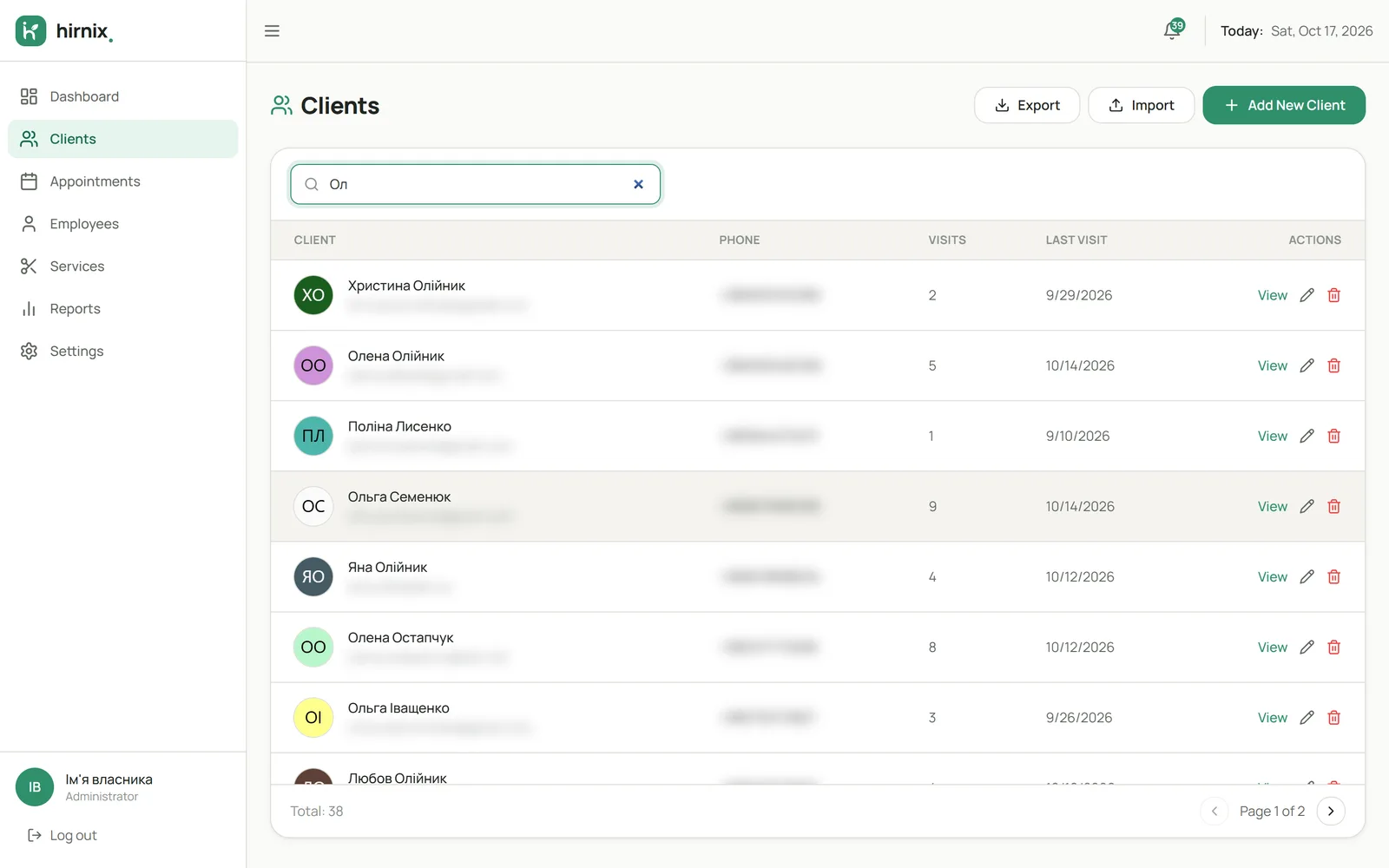
A service menu with categories, prices and durations. Who does which service and when they can be booked.
Services and working hours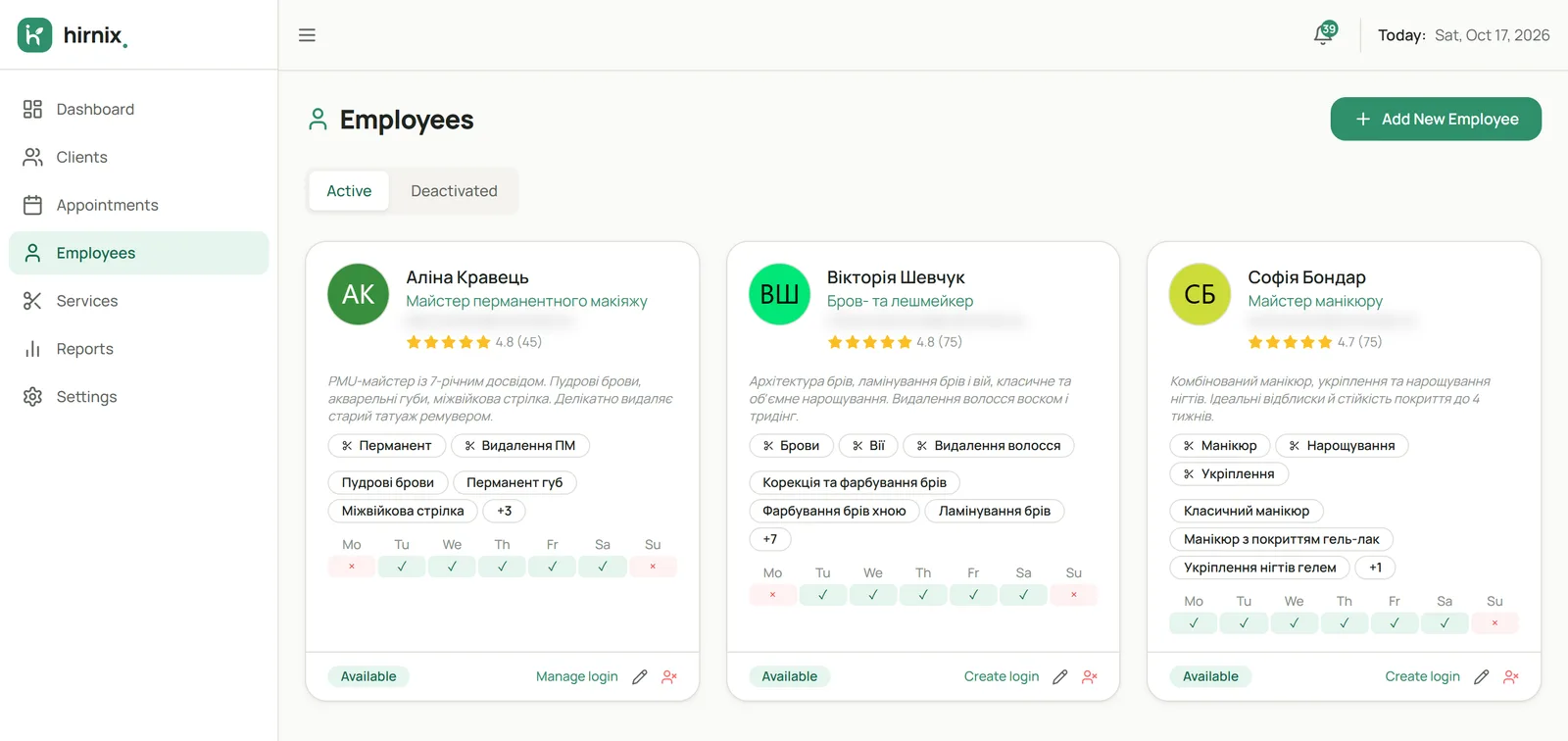
Figures for the chosen period: popular services, specialists’ work and totals for completed visits.
What the reports show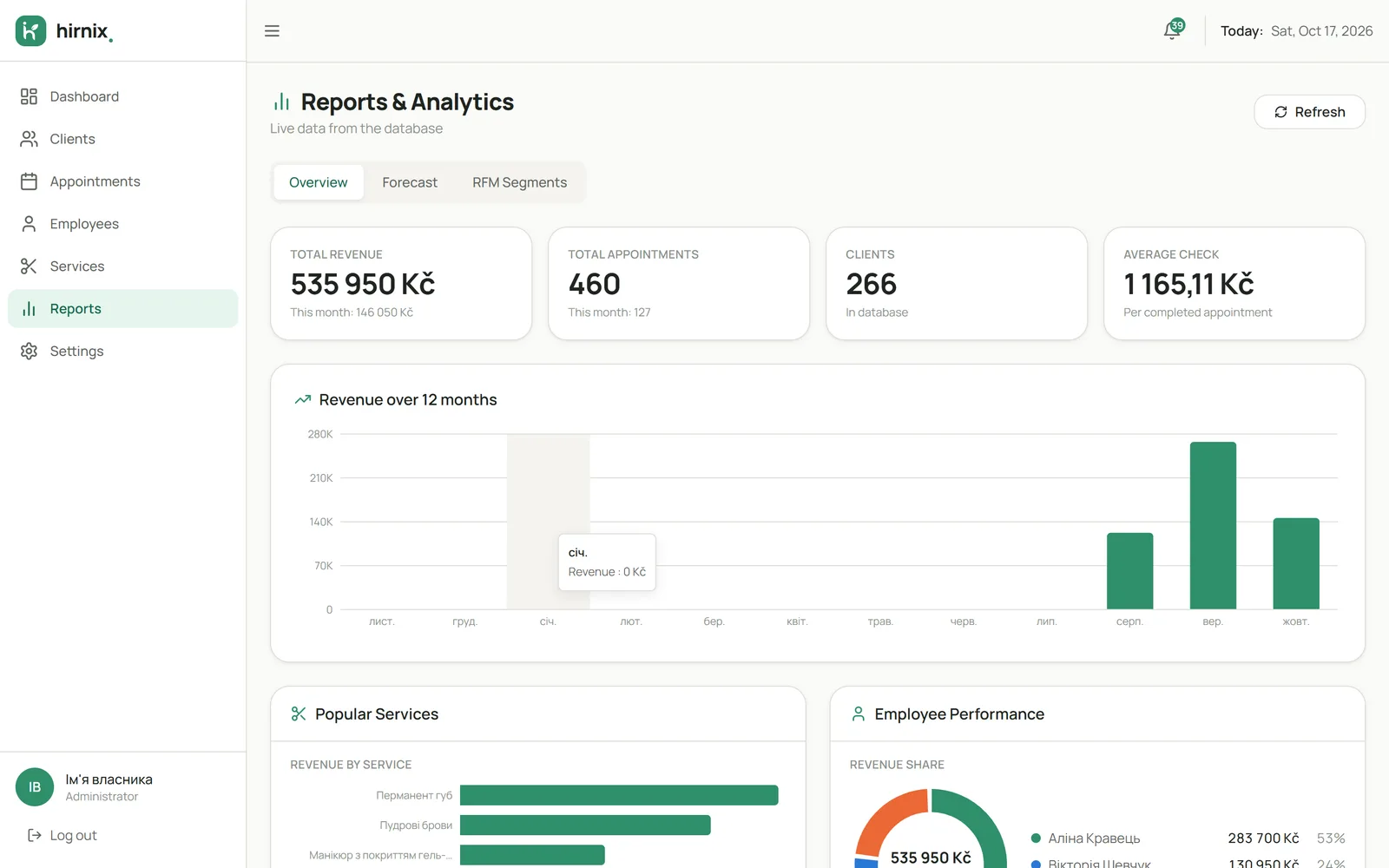
Your business page via a link or QR code: clients pick a service, specialist and time, and the booking lands in your calendar.
About online booking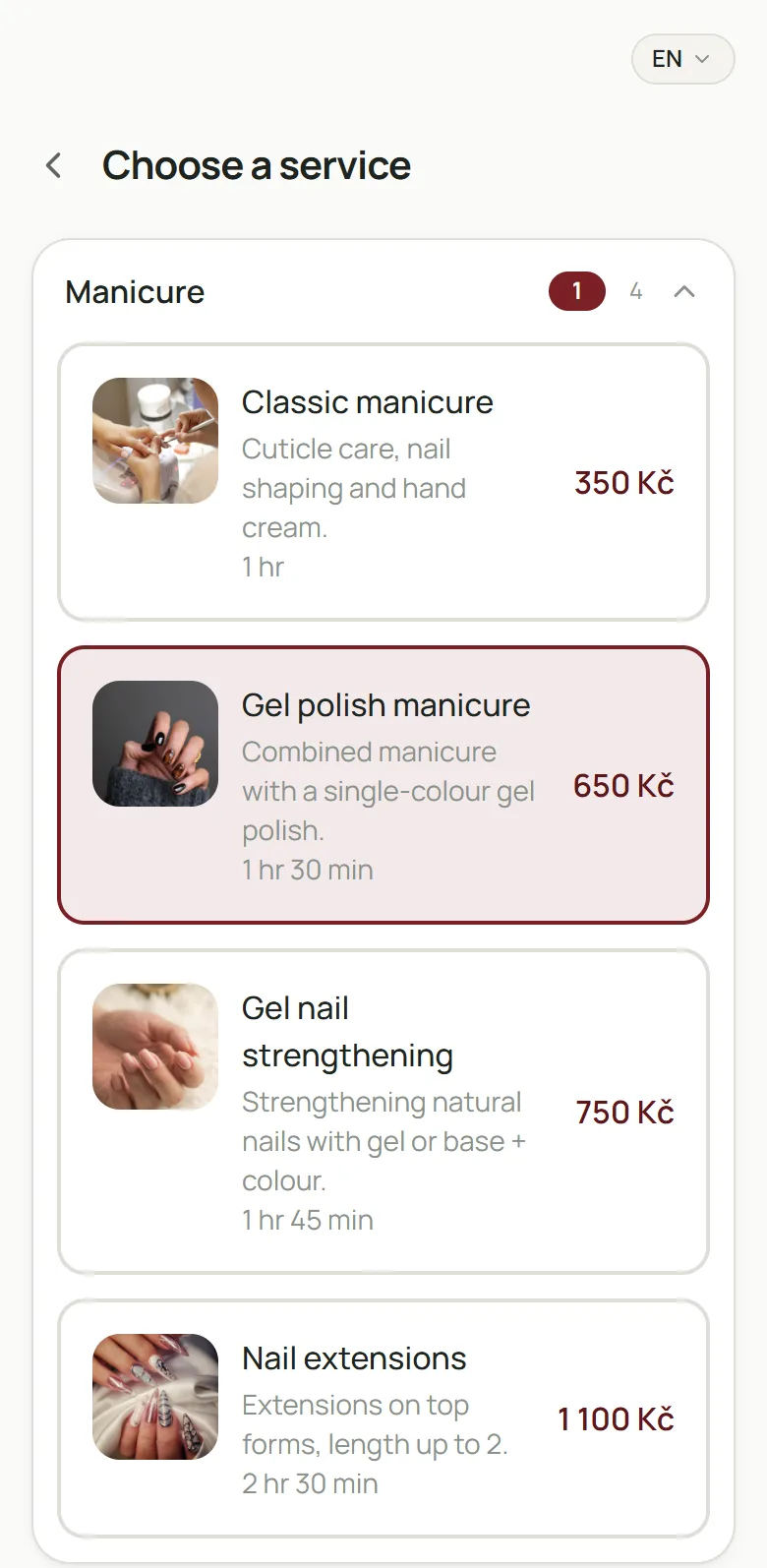
Your own schedule, client base, service menu and a booking page you can share on Instagram or in messengers. Less time messaging, more time working.
A shared calendar by specialist, service assignments, working hours and reports per person — so you see the whole studio at a glance.
Until we publish approved client case studies, we show a training business. All names and figures in it are demo data.
A short call: how you take bookings today, how many specialists you have, what to set up first.
Together we add your services, team and working hours in the agreed scope.
We walk through a real workflow — from booking to completed visit — so you can start with confidence.
We don’t squeeze your business into a template. Tell us how you work — we’ll set up Hirnix with you and prepare an offer for your format. The first 2 weeks are free.
What helps us prepare an offer
Yes. You keep your own schedule, clients and services in one system, and clients can book themselves through a link. “Studio” on this site doesn’t mean the product is only for teams.
Send a request or message us. We’ll learn how you work, help set up your services, team and hours, and test the first real workflow with you.
In the booking settings you choose the page languages, your currency and time zone. We’ll go through which languages your clients need during onboarding.
Yes. We support you through the launch and answer questions via Telegram, WhatsApp, Viber and email.
Hirnix is built by a Ukrainian team based in Europe. We are currently completing the registration of our company in the Czech Republic. Until then, onboarding terms are agreed in writing; afterwards, you sign a contract with the company.
Yes, the first 2 weeks are free. The offer for your way of working is prepared individually — a short request is all it takes.
Leave your contact details — we’ll tell you about the platform, show it on an example like yours and explain the terms.